01
Order emails go unopened
Transactional emails land in promotions tabs and get skipped. The same update on WhatsApp is seen where the customer already spends the day.
Email onlyWhatsApp update


WhatsApp Business API automation for Indian businesses: order and shipping updates, abandoned cart recovery, a support bot, catalogue browsing and broadcast campaigns. Built on Meta's official API through an approved provider, never on unofficial bulk-sending tools that put your number at risk.






Built on Meta's official WhatsApp Business Platform.
We work through approved Business Solution Providers such as Interakt, WATI and Gupshup, connect your store with webhooks, and get every message template approved by Meta.
The gap
For most Indian customers WhatsApp is not a channel, it is the default. These are the gaps we see when a business has not caught up with that yet.
Transactional emails land in promotions tabs and get skipped. The same update on WhatsApp is seen where the customer already spends the day.
Updates typed by hand from the founder's own phone: no automation, no catalogue, and no way to grow past a handful of orders a day.
Abandoned cart emails get a fraction of the attention of a short WhatsApp nudge, especially in lower-value, frequent-purchase categories.
The most repeated question in eCommerce support, answered one chat at a time, every day, by someone who could be doing something else.
Telling past customers about a sale means an SMS blast or forwarding messages by hand. Neither scales, and neither looks professional.
Bulk senders and unofficial automation break WhatsApp's terms. A banned number can take the whole customer conversation history with it.
What we build
Start with order updates and add the rest when you are ready. Everything runs on the same verified business number.
Order confirmed, payment received, shipped, out for delivery and delivered, sent automatically from Shopify, WooCommerce or Shiprocket events.
Order Updates Setup
Order tracking, FAQ answers and return requests handled automatically. Harder questions go to a person with the full conversation attached.
Full Automation Suite
Products synced from Shopify or WooCommerce, browsable inside WhatsApp, with a payment link sent without leaving the chat.
Full Automation Suite
A WhatsApp nudge that names the products left behind and links straight back to checkout, sent within Meta's messaging rules.
Full Automation Suite
Sale announcements, launches and win-back messages to segmented, opted-in lists using Meta-approved templates, with delivery and click tracking.
Add-on
Leads from your site and ads start a WhatsApp flow that asks the qualifying questions, then reach your sales team with context, not just a number.
Add-on
Message flows
Each flow starts from an event in your store or a message from the customer. Pick one to see how it runs.
Store events become WhatsApp messages: each status change in Shopify, WooCommerce or Shiprocket sends the matching approved template with the order details filled in.
When a checkout is left unfinished, a reminder goes out with the actual products and a link straight back to the cart. It only goes to customers who opted in to WhatsApp messages.
The bot answers order status, delivery times and policies from your own data. When a question needs a person, it hands over with the full chat so nobody asks the customer to repeat themselves.
Sales, launches and restocks sent to opted-in customers, segmented by what they bought or where they are, using templates Meta has approved. Delivery and clicks are tracked per send.
Click-to-WhatsApp ads and buttons on your site open a short flow that asks what your sales team would ask first, then routes the lead with the answers attached.
How it works
The Business API is not a bulk sender. Knowing these rules is what keeps a number in good standing, and we design every flow around them.
Customers have to agree to receive WhatsApp messages from you. We add opt-in at checkout, on forms and in the chat itself.
Messages a business starts must use a template Meta has approved, in a category such as utility, marketing or authentication.
When a customer messages you, you can reply freely for 24 hours. After that, only approved templates can restart the chat.
The number belongs to a verified Meta business account, with a display name customers recognise.
What you pay Meta
Meta charges for the template messages a business sends, at a rate set by category and country, and publishes its current rates. Replies inside an open customer service window are free. Message costs pass through at cost with no markup from us; the provider's platform fee is separate.
Official API only
| WhatsApp Business app | Unofficial bulk tools |
Business API | |
|---|---|---|---|
| Allowed by WhatsApp terms | |||
| Automated order updates from your store | Limited | ||
| Several team members on one number | Limited | Limited | |
| Chatbot and integrations | Limited | ||
| Approved templates and opt-in | |||
| Risk of the number being banned | Low | High | Low |
We only build on Meta's WhatsApp Business API through approved providers. We never use bulk senders or browser-automation tools.
Integrations
WhatsApp Business API
Interakt
WATI
Gupshup
Shopify
 WooCommerce
Shiprocket
Shopify webhooks
WooCommerce webhooks
 Claude for the chatbot layer
 GPT-4 for the chatbot layer
 n8n
 Flowise
Webhooks
 Google Sheets
 Zoho
 HubSpot
Custom CRM via API
Who it suits
If your phone is full of the same questions every day, the questions are telling you what to automate first.
Shopify and WooCommerce stores
Order updates, cart recovery and support on the number customers already have saved.
D2C brands running sales
Launches and offers to an opted-in list, segmented by what people bought.
Booking and enquiry businesses
Travel, clinics, studios and services that live on enquiries and confirmations.
Teams with a busy support line
A bot for the repeated questions, people for the rest, all on one shared number.
How we set it up
Order updates alone take 1 to 2 weeks. The full suite with the support bot, cart recovery and catalogue takes 3 to 5 weeks. Meta's approvals set part of the pace, and we manage them for you.
Week 1
Meta Business verification and the API application through an approved provider. Verification usually takes 3 to 7 business days.
Week 1 to 2
Order update, cart recovery and broadcast templates written and submitted to Meta. Each usually takes 24 to 48 hours.
Week 2 to 4
Webhooks connected to Shopify, WooCommerce or your platform, so store events send the right message with no manual step.
Launch
Live rollout with delivery and read tracking. The first month includes close monitoring and template refinement from real replies.
Typical full automation suite
Client work
A custom WordPress catalogue with Shopify-style URLs, live AJAX product search, WhatsApp enquiry buttons, and a full SEO module.
Read the case studyAutomated
WhatsApp Enquiries
Manual to Automated
Real-time
Search Findability
None to Instant
Improved
Google Indexing
Not indexed to Indexed
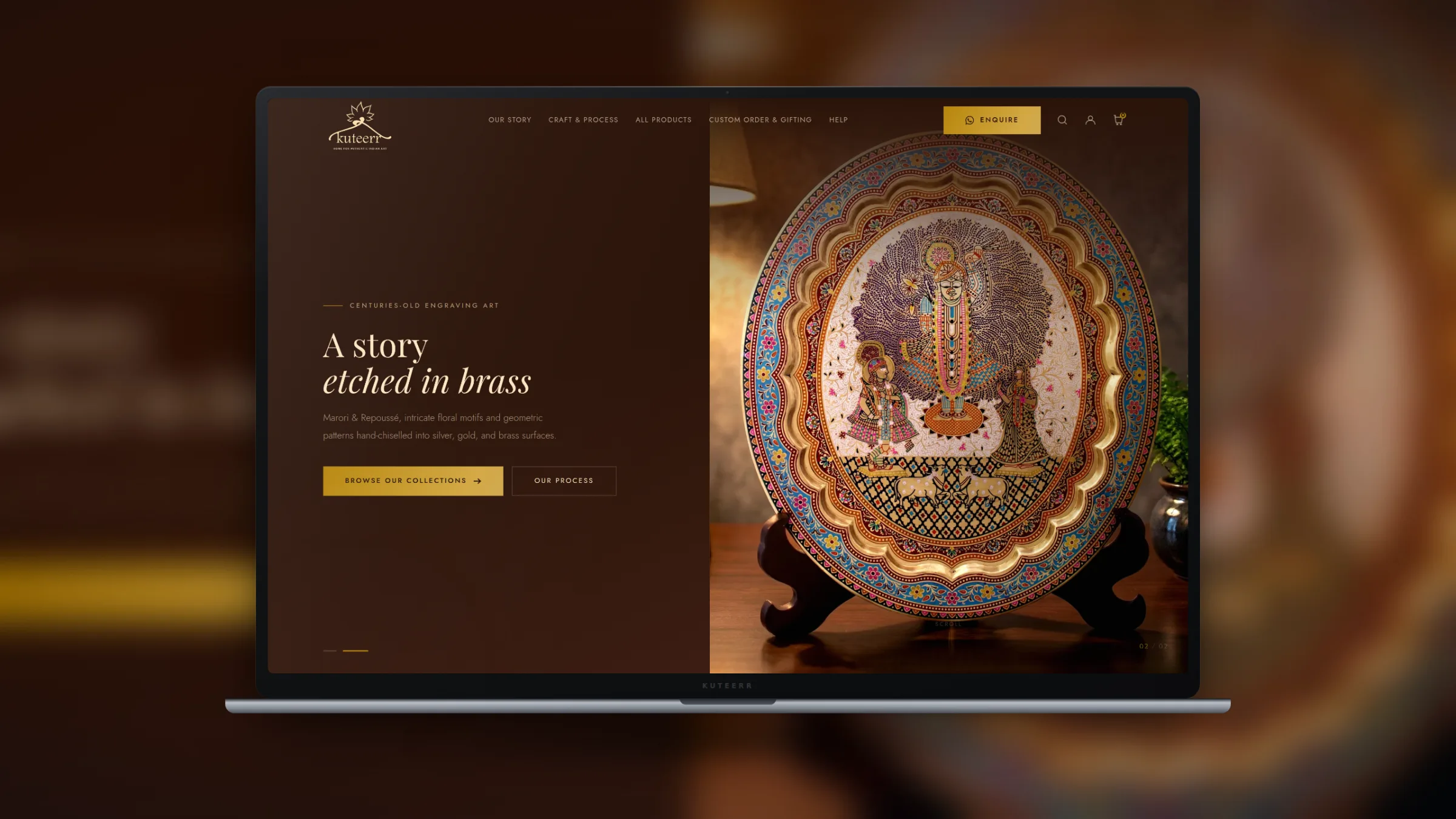
Handicrafts & Decor · Shopify
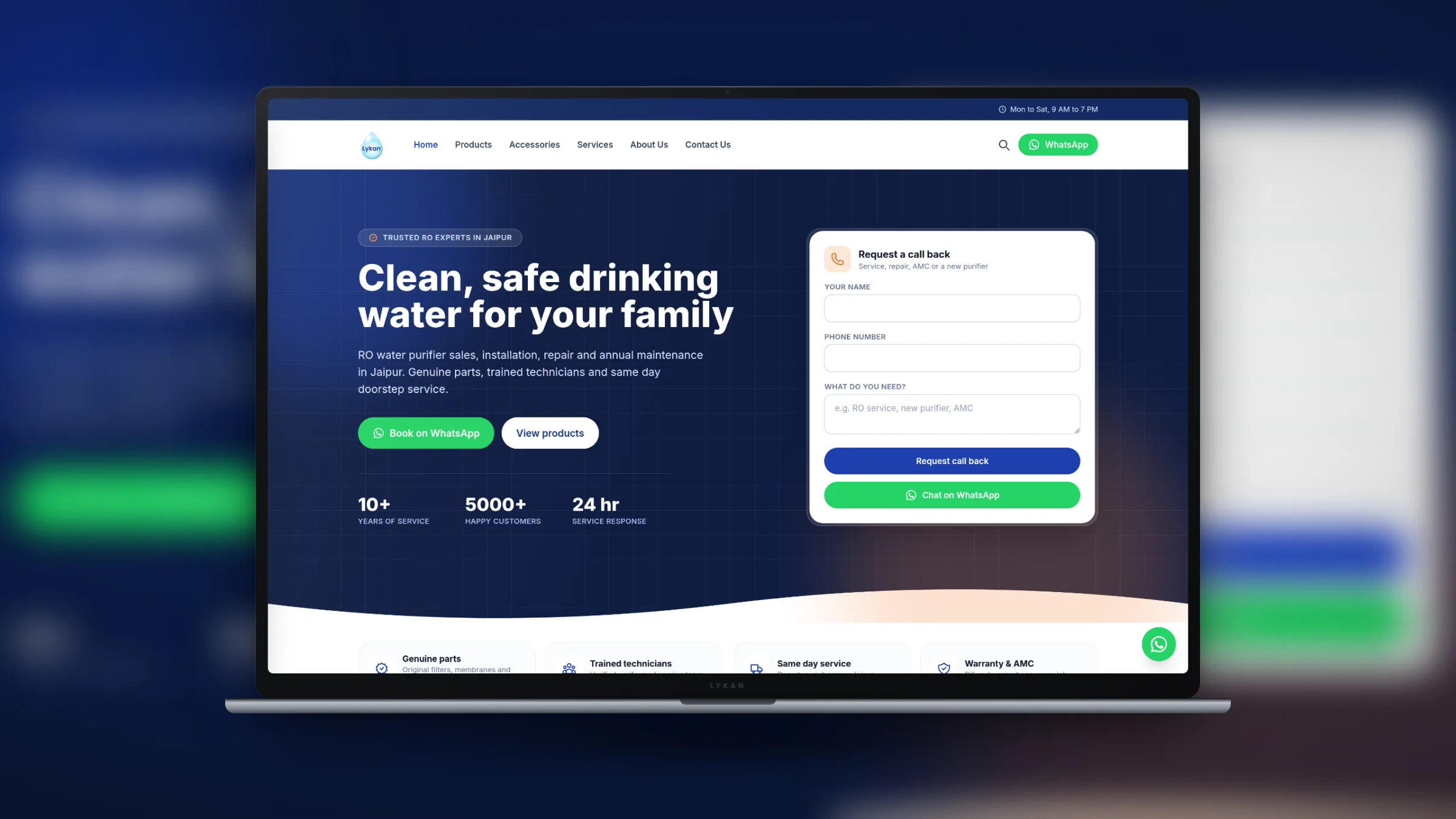
Home Services · Laravel
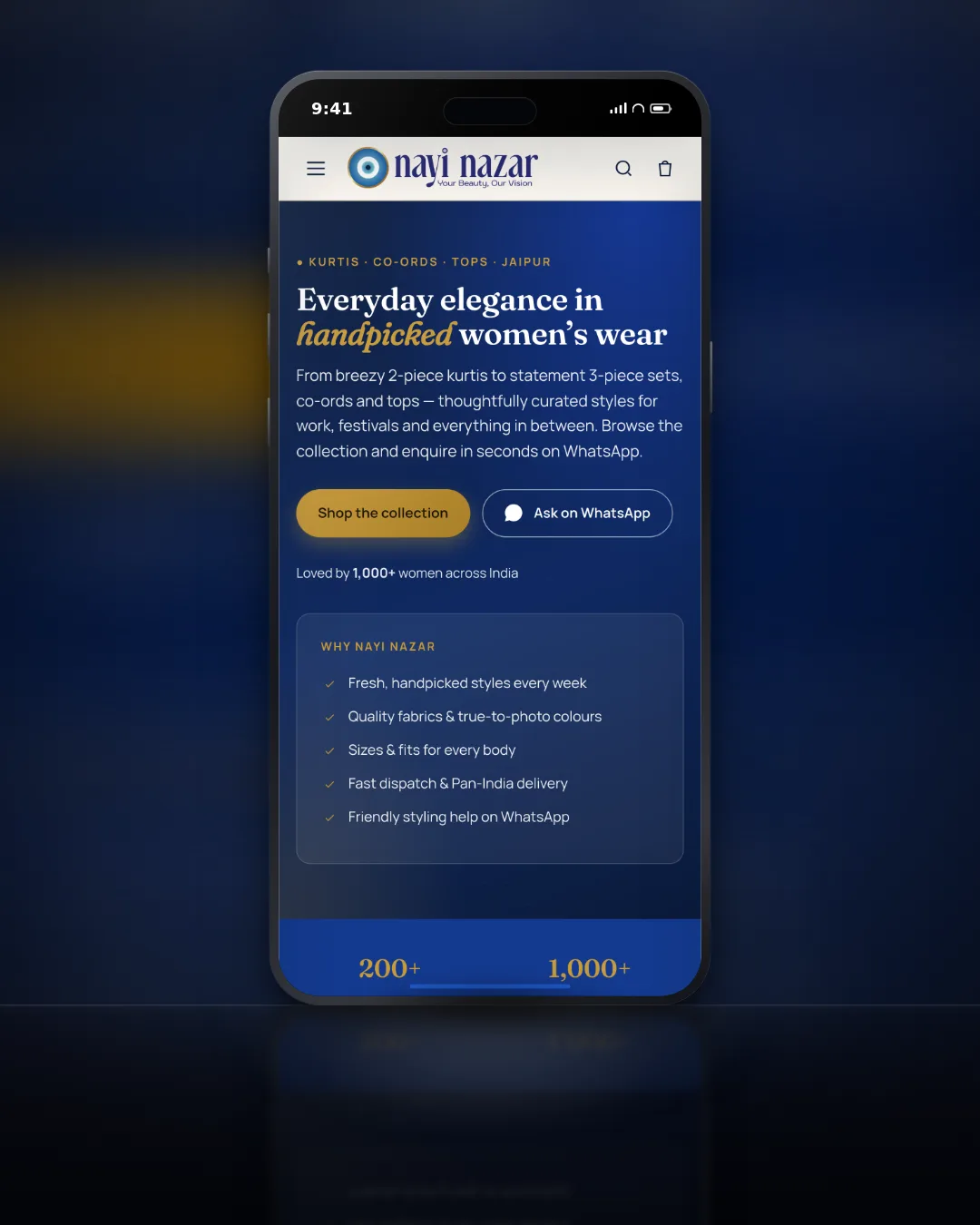
Fashion & Apparel · WordPress
Automated whatsapp enquiries
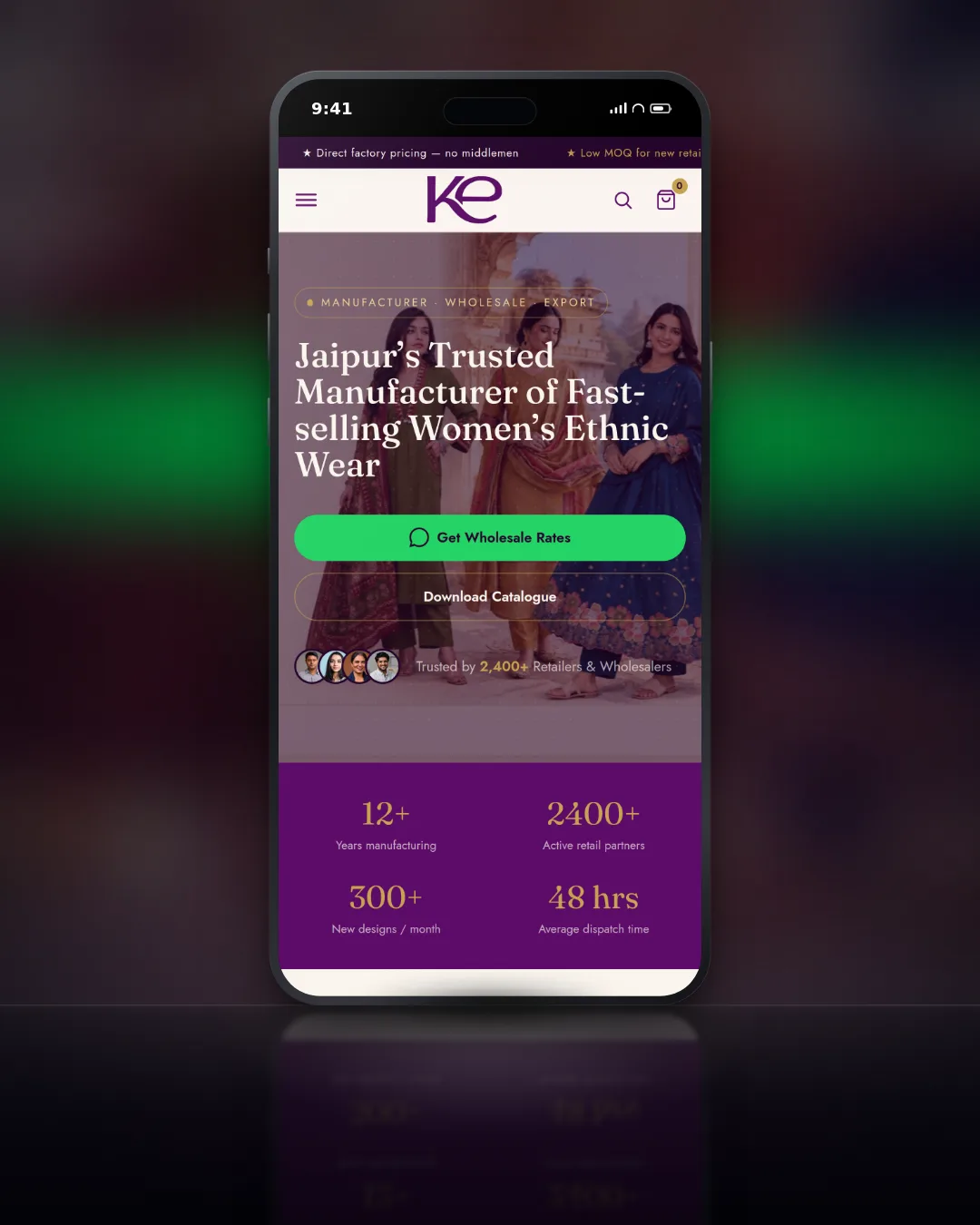
Wholesale / Fashion · WordPress
Automated enquiry flow
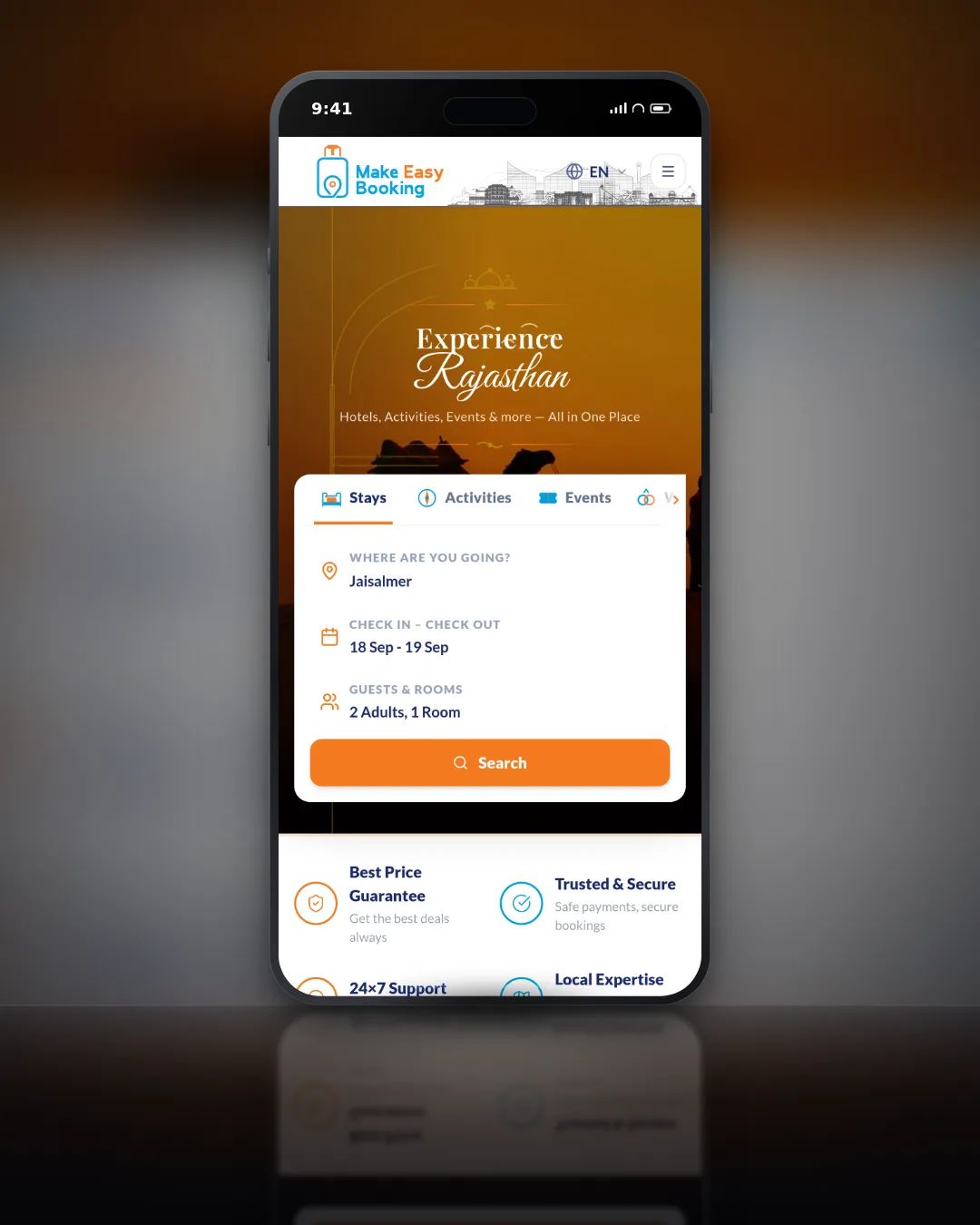
Travel & Tourism · Laravel
8 pages built
See every case study
Shopify, WordPress and custom builds, with the brief, the work and the result.
View all workPricing
Setup is a fixed price for the automations you choose. After launch you pay the provider's platform fee and Meta's message charges, passed through with no markup.
Order Updates Setup
Automated order and shipping messages from your store.
₹20,000 to ₹45,000
1 to 2 weeks
Full Automation Suite
Order updates, support bot, cart recovery and catalogue together.
₹55,000 to ₹1,20,000
3 to 5 weeks
Monthly Provider + Message Cost
Provider platform fee plus Meta message charges, passed through at cost.
₹2,000 to ₹8,000 /month
Pass-through, by volume
All prices exclude GST. Meta message charges and the provider platform fee are billed at cost, based on volume.
Not sure what to automate first?
Tell us your store platform and the questions your team answers most. We suggest the flows that save the most time and quote a fixed setup price.
FAQ
If your question is not here, put it in the form and you will get a straight answer.
Official, always. We build only on Meta's WhatsApp Business API through approved Business Solution Providers such as Interakt, WATI and Gupshup. Unofficial bulk-sending tools break WhatsApp's terms and can get a number banned, along with its conversation history. We never use them.
In most cases, yes. An existing number can be connected to the WhatsApp Business API. What has to happen to the app already using it depends on how the number is set up today and what your provider supports, so we check that first and walk you through it, and nothing changes on the number by surprise.
Business verification usually takes 3 to 7 business days. Each message template is usually reviewed within 24 to 48 hours. We prepare the documents, submit everything, fix anything Meta asks for and keep you updated at each stage.
Meta charges for the template messages a business sends, with rates set by message category and the customer's country, and publishes its current rate card. Replies inside a customer service window are free. The provider adds a monthly platform fee. We pass both through at cost, with no markup.
Yes. WhatsApp requires a customer's permission before a business messages them. We add opt-in where it fits naturally: at checkout, on enquiry forms, or in the chat itself. It also keeps block and report rates low, which protects the quality rating of your number.
Yes. Store and shipping events reach the automation through webhooks, so order confirmations, shipping updates and delivery messages go out on their own. For a custom store platform we connect through its API or webhooks in the same way.
Yes. The support bot handles the repeated questions and hands everything else to your team, with the full conversation attached. Several team members can work from the same number through the provider's shared inbox.
To customers who opted in, yes, using a marketing template Meta has approved. We help segment the list by purchase history or location, so each broadcast goes to people likely to care about it, and track delivery and clicks per send.
The map pack is ranked on three things Google names publicly, and only two of them are yours to change. Here is what that means in practice for a Jaipur business, and which of the usual local SEO advice is a waste of your time.
Most of the risk in a WooCommerce to Shopify move is not the product data. It is the URL map, the things that were plugins and now have to be rebuilt, and in India the payment gateway, which does not come across at all.

Shopify handles a lot of technical SEO for you and leaves a specific set of problems it cannot fix. Here is which pages to fight for, the duplicate URL trap every store has, and what to do about supplier product copy.
Set up WhatsApp automation
Official Meta API. Order updates, support and broadcasts, set up in 1 to 5 weeks. Tell us about your store and we will plan the flows.
Short discovery call
Your store, your current WhatsApp use and the questions you answer most.
Fixed setup price
The flows to build first, the timeline and the running costs.
Live in 1 to 5 weeks
Meta approvals managed for you, with a month of close monitoring.
Your store platform and the messages you send by hand today are enough to start.