01
The site goes down and nobody knows why
A neighbour on the same shared server uses all the CPU. You get no visibility, no alert and no recourse, and the site comes back when it comes back.


Cloud migration for CodeIgniter, Laravel and WordPress platforms: off cPanel shared hosting and onto a VPS with Nginx, PHP-FPM, MySQL, Cloudflare, automated backups and a staging environment. We have done it for Maluka Earthmovers, JNV Sikar and FliqhtIQ, with the live site up the whole time.





Your old server stays live until the new one is proven.
We build and test the new server in parallel. The cutover is a DNS change, and the rollback is changing it back.
48h
Old server as fallback
7d
Backup retention
1
Staging per site
Signs you need to move
These are the six symptoms we see most often on a platform that has outgrown its hosting. Each one has a direct cost to the business.
A neighbour on the same shared server uses all the CPU. You get no visibility, no alert and no recourse, and the site comes back when it comes back.
Images optimised, caching on, CSS minified, and pages still take 4 seconds or more. The bottleneck is the server, which PageSpeed tweaks cannot fix.
End-of-life PHP gets no security patches. The host forces an upgrade that breaks the app, or a pricier plan that solves nothing.
Shared plans rarely include staging. Every plugin update, theme change and deploy goes straight to production, and one bad deploy means downtime.
A compromised site on the same server can affect yours through shared permissions or IP reputation, and you cannot choose who shares your server.
No Git history, no rollback and no deploy log. If something breaks, you hear it from a customer instead of from monitoring.
Shared vs VPS
A managed VPS costs more each month than shared hosting. What you get in return is worth far more than the difference.
| Typical monthly cost | Shared hosting ₹200/mo |
Managed VPSAfter us ₹1,200/mo |
DIY VPS ₹800/mo |
|---|---|---|---|
| Dedicated vCPU and RAM | |||
| Staging environment | |||
| SSH access and Git deploys | |||
| Nginx and PHP-FPM tuned for your app | |||
| Isolated from other sites | |||
| Automated off-site backups | |||
| Hardening, monitoring and documentation |
Providers we configure on. We work with the one you prefer, or recommend one for your budget and location.
DigitalOcean
 Hostinger VPS
Contabo
Hetzner
Hostinger VPS
Contabo
Hetzner
 AWS Lightsail
What we set up
Nine pieces, all set up, tested and documented before your domain points at the new server.
Ubuntu 24.04 LTS, SSH key login, root login off, UFW firewall, fail2ban and unattended security upgrades. A clean base first.
Gzip, FastCGI cache, HTTPS and www redirects, security headers, a PHP-FPM pool sized to the server RAM and OPcache on.
Export, import to MySQL 8.0, users and permissions set, config tuned, and row counts checked before and after.
Cloudflare proxy for DDoS protection and caching, an origin certificate, Full (Strict) SSL and WAF rules for your platform.
staging.yourdomain.com on the same stack, password protected, with its own database. Test there, then release.
Daily files and database backup, compressed and sent off-site, kept 7 days by default, and a restore tested before handover.
A deploy script or GitHub Actions workflow from your main branch, with a log of every release. No more FTP.
UptimeRobot or Better Stack alerts to your email and WhatsApp, with response time tracked so slowdowns show early.
Server, provider, access method, Nginx config, backup and restore steps, deploy workflow and Cloudflare settings, written down.
Platforms
We build on these platforms ourselves, so we know what has to come across besides the files and the database.

A Laravel app is more than files and a database: the scheduler, queue workers and cache all have to run on the new server.

CodeIgniter 4 apps are usually straightforward to move. The care goes into paths, permissions and the jobs that run in the background.

WordPress and WooCommerce sites gain the most from a proper stack, as long as cron, cache and uploads come across cleanly.

Where your stack needs Node.js alongside PHP, we set it up as a managed service rather than a terminal left open.
Migration process
The whole migration runs in parallel. Your old server stays live until the new one is confirmed working, so the cutover is a DNS change and the rollback is reverting it.
Step 1
The full stack set up on the new server before your old one is touched: OS, Nginx, PHP, MySQL, SSL and Cloudflare, tested on its own.
Step 2
Files copied with rsync, the database exported, imported and validated, and config updated for the new environment.
Step 3
We point our own machines at the new server through a hosts file and test every page, form, login, payment and key flow.
Step 4
DNS TTL lowered a day ahead, the switch made in low-traffic hours, and the old server kept live for 48 hours as a fallback.
A typical web application migration
Cutover night
Both servers run the same site during the switch. While DNS updates around the world, which typically takes 1 to 15 minutes, some visitors reach the old server and some the new one, and both work.
Planned for quiet hours
Usually between 2 and 4 AM IST, when traffic is lowest.
Both servers watched
We monitor old and new together during the window.
Rollback in minutes
If anything looks wrong, DNS points back to the old server.
Email untouched
MX records are not changed, so external email keeps working.
server {
listen 443 ssl http2;
server_name yourdomain.com www.yourdomain.com;
root /var/www/yourdomain/public;
# Cloudflare origin certificate
ssl_certificate /etc/ssl/cf-origin.pem;
# PHP-FPM
fastcgi_pass unix:/run/php/php8.2-fpm.sock;
# Compression and security headers
gzip on;
add_header X-Frame-Options SAMEORIGIN;
add_header X-Content-Type-Options nosniff;
}
A shortened sample of the config we deliver.
Security
A new server is only better than shared hosting if it is locked down. These are set on every server we hand over.
Handover
The server sits in your account, and everything needed to run it is written down. After that, you choose.
The migration is a one-time fixed-price project. Everything is in your provider account and documented, so your team or your next developer can take it from there.
 UptimeRobot
 Better Stack
 GitHub Actions
Our managed services retainer covers security patch monitoring, backup checks, Nginx config updates and emergency response.
Explore our servicesClient work
A full public-facing alumni site plus a 3-tier role-based admin system in CI4 with Student, Super Admin, and Batch Coordinator roles.
Read the case study3 Live
User Roles
9
Admin Pages
8
Public Pages
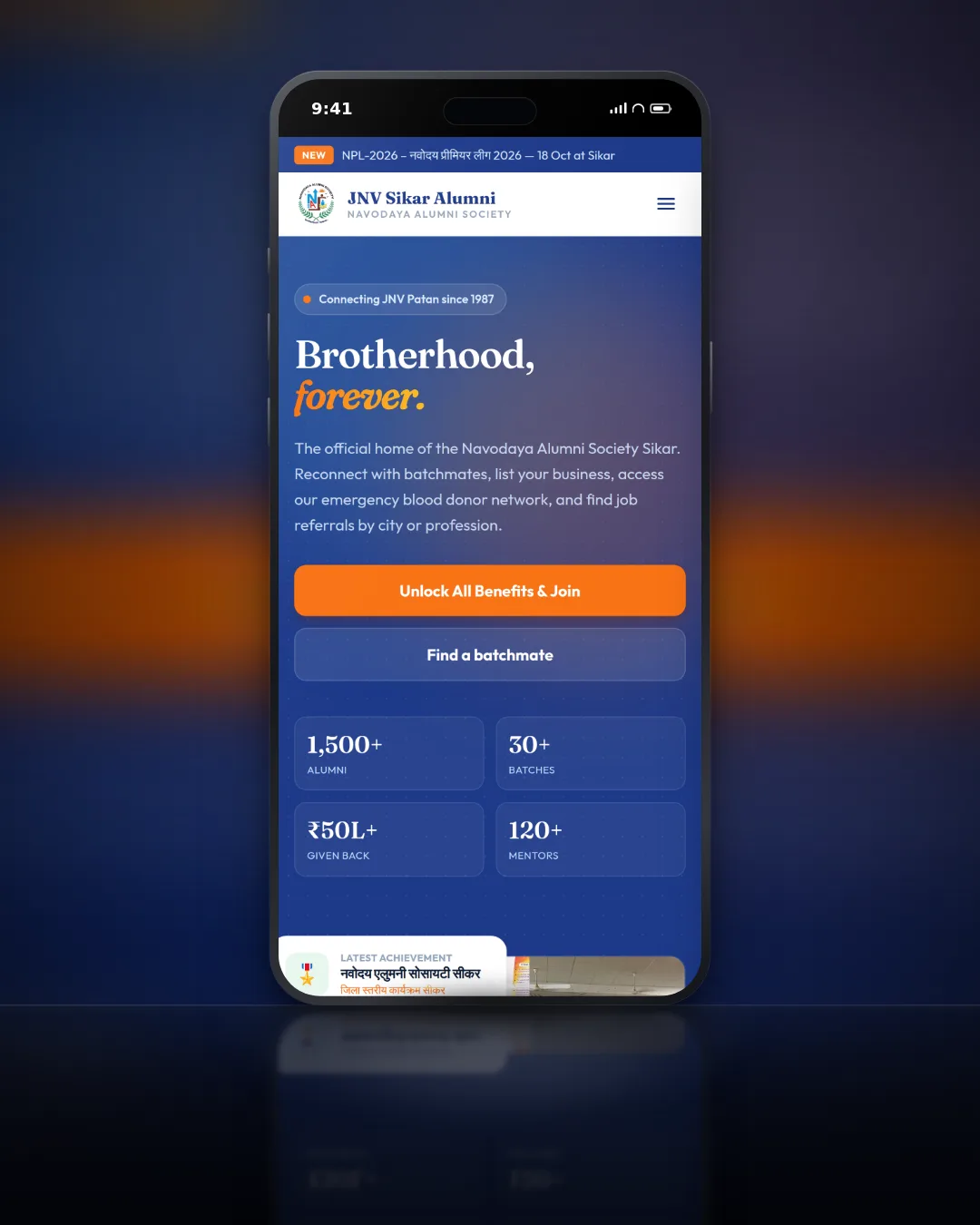
Education / Non-Profit · CodeIgniter 4
3 Live user roles

Luxury Interiors / Architecture · CodeIgniter 4
Centralised media management
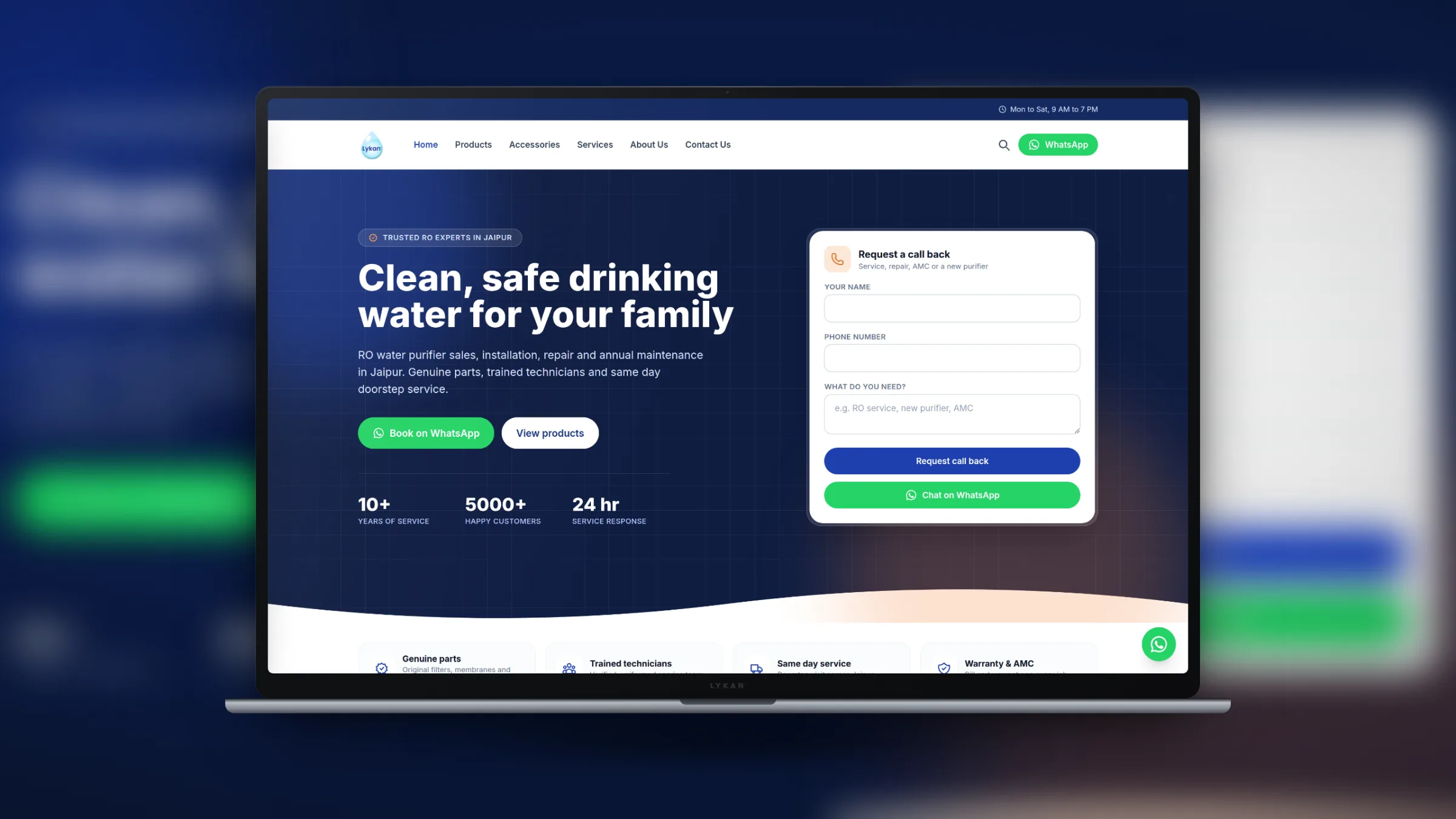
Home Services · Laravel
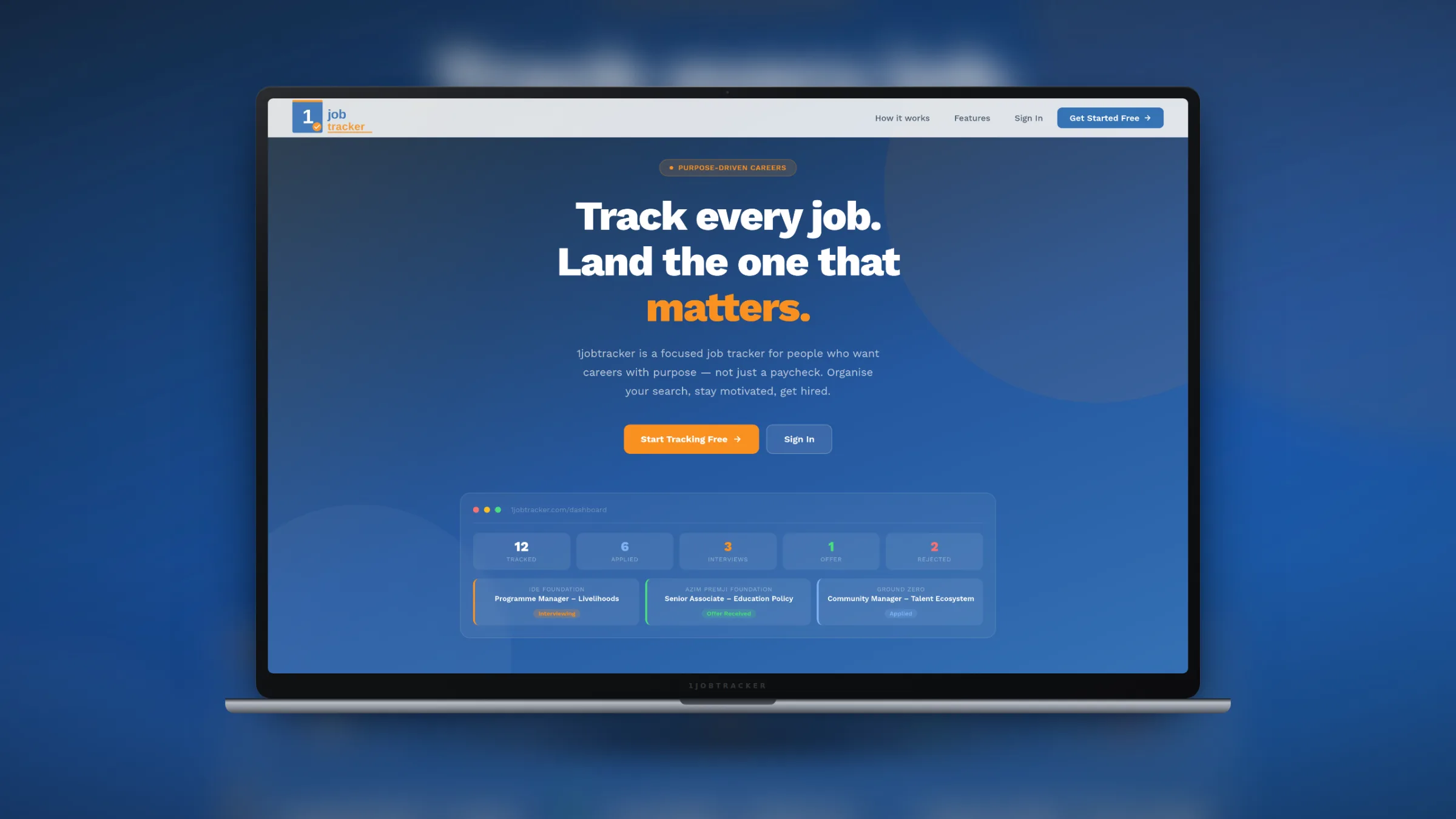
SaaS & Products · Laravel

Travel & Tourism · Laravel
8 pages built
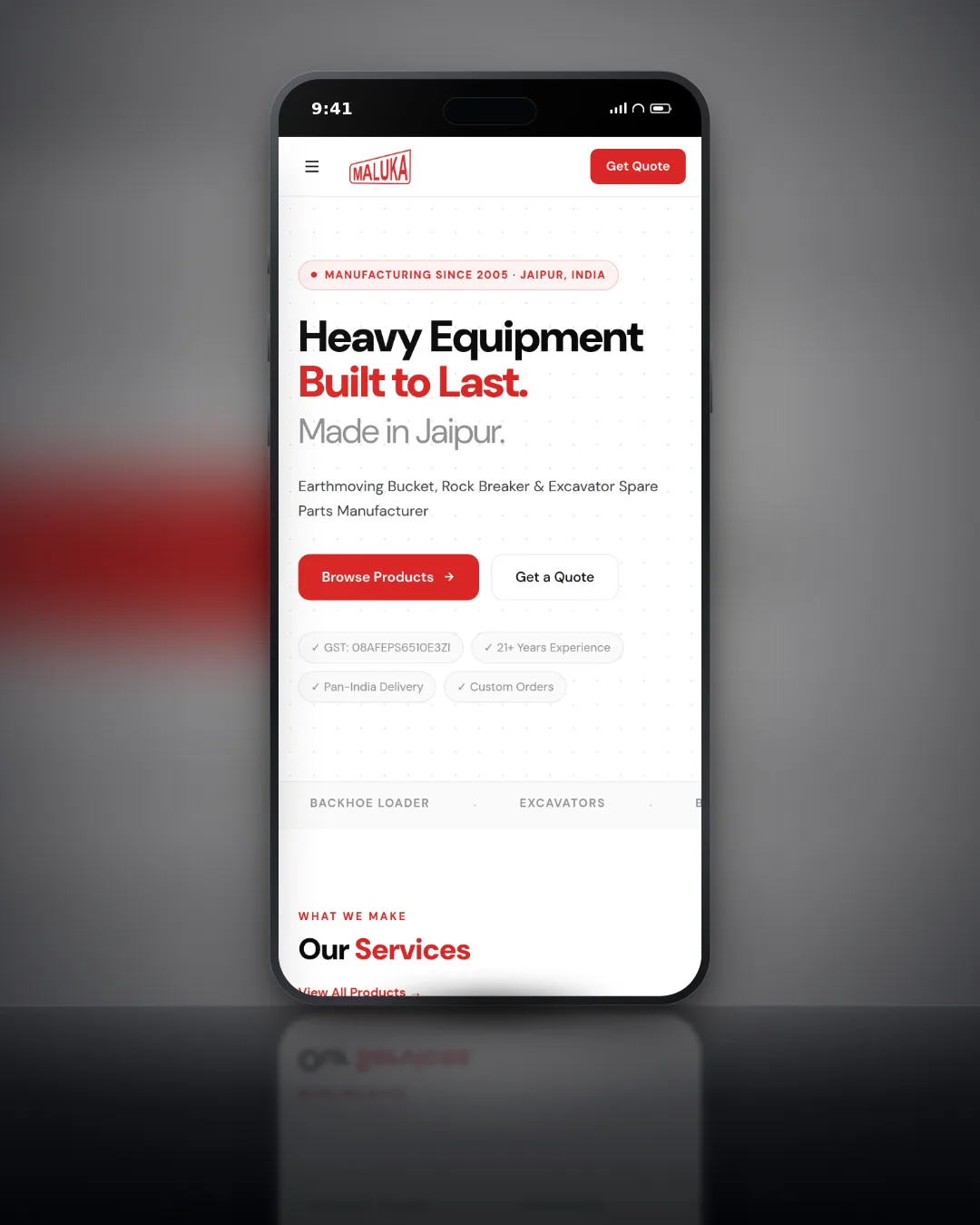
Heavy Equipment / Construction · CodeIgniter 4
Hardened auth system
See every case study
Shopify, WordPress and custom builds, with the brief, the work and the result.
View all workPricing
The migration is a one-time fixed fee. The VPS itself is billed by the provider, typically ₹800 to ₹2,500 a month depending on provider and size.
Simple Site
A single WordPress or static site.
₹12K to ₹22K
2 to 4 days
Web Application
A CodeIgniter 4 or Laravel application.
₹22K to ₹45K
3 to 6 days
Multi-app / Complex
Several domains or services on one setup.
₹45K +
5 to 10 days
All prices exclude GST. VPS server cost is not included: we help you choose the right provider.
Not sure if you need to migrate?
Describe your current setup and we will tell you honestly whether a move makes sense, and which plan fits.
FAQ
Not sure if you need to move? Describe your setup in the form and we will advise honestly.
No. We build and fully test the new server before changing any DNS, and your old server stays live the whole time. The cutover is a DNS change, with a propagation window of typically 1 to 15 minutes when some visitors reach the old server and some the new one. We schedule it for low-traffic hours, usually 2 to 4 AM IST, and keep the old server live for 48 hours as a fallback.
You can, or we set it up under your account. We recommend DigitalOcean, Hostinger VPS or Hetzner depending on your budget and location. A 2 GB RAM VPS from Hostinger costs around ₹800 to ₹1,200 a month and handles most small to medium applications. We do not host on our own infrastructure: everything stays in your account and under your control.
CodeIgniter 4, Laravel, WordPress including WooCommerce, and custom PHP applications. We also set up Node.js environments where your stack needs them. Shopify itself is hosted by Shopify, so for Shopify brands we migrate the tools around the store, such as a custom order management system or a WordPress marketing site.
Not if you use an external email provider such as Google Workspace or Zoho. We migrate web hosting only and do not touch MX records. If your email is hosted on cPanel, we recommend moving it to Google Workspace or Zoho first, and we help with that as a separate step before the server migration.
Ongoing server management is available through our managed services retainer, covering security patch monitoring, backup checks, Nginx config updates and emergency response. The migration itself is a fixed-price one-time project. After handover you can run the server yourself with our documentation, or add managed services.
Typically 2 to 4 times faster Time to First Byte than on shared hosting, and better mobile PageSpeed scores. The exact gain depends on your current host and application, since Nginx with PHP-FPM and OPcache is far more efficient than Apache with shared resources. We measure before and after and include the comparison in the handover document.
A simple site usually takes 2 to 4 days, a web application with cron jobs, queues and a staging environment 3 to 6 days, and a multi-app or complex setup 5 to 10 days. Most of that time is setup and testing on the new server while your current site keeps running as normal.
Files are copied with rsync and the database is exported and imported into MySQL 8.0, then validated: row counts are compared and checksums confirmed before any DNS change. Config files are updated for the new environment before anything goes live.

The map pack is ranked on three things Google names publicly, and only two of them are yours to change. Here is what that means in practice for a Jaipur business, and which of the usual local SEO advice is a waste of your time.
Most of the risk in a WooCommerce to Shopify move is not the product data. It is the URL map, the things that were plugins and now have to be rebuilt, and in India the payment gateway, which does not come across at all.

Shopify handles a lot of technical SEO for you and leaves a specific set of problems it cannot fix. Here is which pages to fight for, the duplicate URL trap every store has, and what to do about supplier product copy.
Plan your migration
Tell us where your site runs today. We reply with the server we would set up, the migration plan and a fixed price.
We review your setup
Platform, traffic, cron jobs, email and anything unusual.
Fixed-price plan
The server, the provider, the steps and the price, in writing.
Zero-downtime move
Built and tested in parallel, then a DNS switch at a quiet hour.
Your site address, the platform it runs on and your current host is enough to start.