Three tools, three different numbers
Ads Manager, GA4 and your Shopify admin each report a different revenue figure for the same week, and nobody knows which to trust.


Tracking and analytics setup from our team in Jaipur: GA4 eCommerce events, Google Tag Manager, the Meta Pixel with the Conversions API, Microsoft Clarity and Shopify customer events, set up in your accounts and verified before handover.





Set up in your accounts, owned by you.
Official Meta Ads Partner and Google Display Certified. Every property, container and dataset stays in your name.
Why tracking breaks
Ad platforms optimise towards whatever you tell them is a purchase. If that signal is wrong, every budget decision built on it is wrong too.
Ads Manager, GA4 and your Shopify admin each report a different revenue figure for the same week, and nobody knows which to trust.
The Pixel and the server both send a purchase without a shared event ID, so Meta counts one order as two and reports a ROAS that never happened.
Browser privacy settings, ad blockers and third-party checkouts stop browser-only tracking from seeing every order.
Events arrive without the order value or currency, so GA4 and Meta cannot tell a large order from a small one.
Old agency tags, duplicate plugins and abandoned containers firing on every page, slowing the site and muddying the data.
Dashboards built once, never explained and never opened, while decisions are made on gut feel.
What we set up
Six pieces that each do one job. Set up together, they give your ad platforms the right signal and give you numbers that agree.
Product views, add to cart, checkout steps and purchases, each with value, currency and items, so revenue in GA4 means something.
One clean container that holds your tags, with old and duplicate tags removed and every change named and versioned.
Browser and server events sent together with a shared event ID, so Meta can match more purchases without counting any twice.
Heatmaps and session recordings that show where visitors hesitate, scroll past or give up, with sensitive fields masked.

Tracking set up through Shopify's customer events, so it keeps working through checkout and theme changes.
Spend, revenue and orders from your sources on one page that refreshes on its own and can be shared with a link.
Event map
Every important action on your site sent to GA4 and Meta under their standard names, with value, currency and items attached.
| When |
GA4 event |
Meta event |
|---|---|---|
| A product page is viewed | view_item | ViewContent |
| A product is added to the cart | add_to_cart | AddToCart |
| Checkout starts | begin_checkout | InitiateCheckout |
| Payment details are added | add_payment_info | AddPaymentInfo |
| An order is placed | purchase | Purchase |
| An enquiry form is sent | generate_lead | Lead |
Running Meta Ads with us? Tracking comes first on every account we run. See Meta Ads management.
Verification
Tags that look installed often send nothing useful. Every event is checked in the tools Google and Meta provide for exactly this, before we call the work done.
Test events checked as they arrive, with browser and server events matched and deduplicated.
Each eCommerce event checked for the right parameters, value and currency.
The container checked page by page, so tags fire once, in the right place.
An order placed end to end and found in Shopify, GA4 and Meta with the same value.
Consent and privacy
Where your visitors need to give consent, the tags follow the choice they make. The legal wording of your policy is for you or your adviser; the wiring is ours.
Tags wait for consent where it is required, and fire normally where it is given.
Set up for Google tags, which Google expects for visitors from the European Economic Area and the UK.
Session recordings mask form fields, and personal details are hashed before they are sent to Meta.
How it works
A fixed-price engagement that usually takes one to two weeks, in your own Google, Meta and Shopify accounts.
Step 1
Your current GA4, Pixel, Conversions API and tags reviewed, with what is missing, duplicated or wrong written down.
Step 2
Which actions matter for your business, what each event should carry and where it should go.
Step 3
GA4, Tag Manager, Pixel, Conversions API, Clarity and consent set up in your own accounts.
Step 4
Test events checked in Events Manager, DebugView and Tag Assistant, then a real test order traced end to end.
Step 5
A Looker Studio dashboard and a short note on what each event means and how to keep it working.
Our work
A full Shopify 2.0 theme rebuild that increased conversion rate by 38% and boosted PageSpeed from 44 to 96.
Read the case study+38%
Conversion Rate
0.60% to 0.83%
+118%
PageSpeed Score
44 to 96
-63%
Page Load Time
4.9s to 1.8s

Fashion Accessories · Shopify
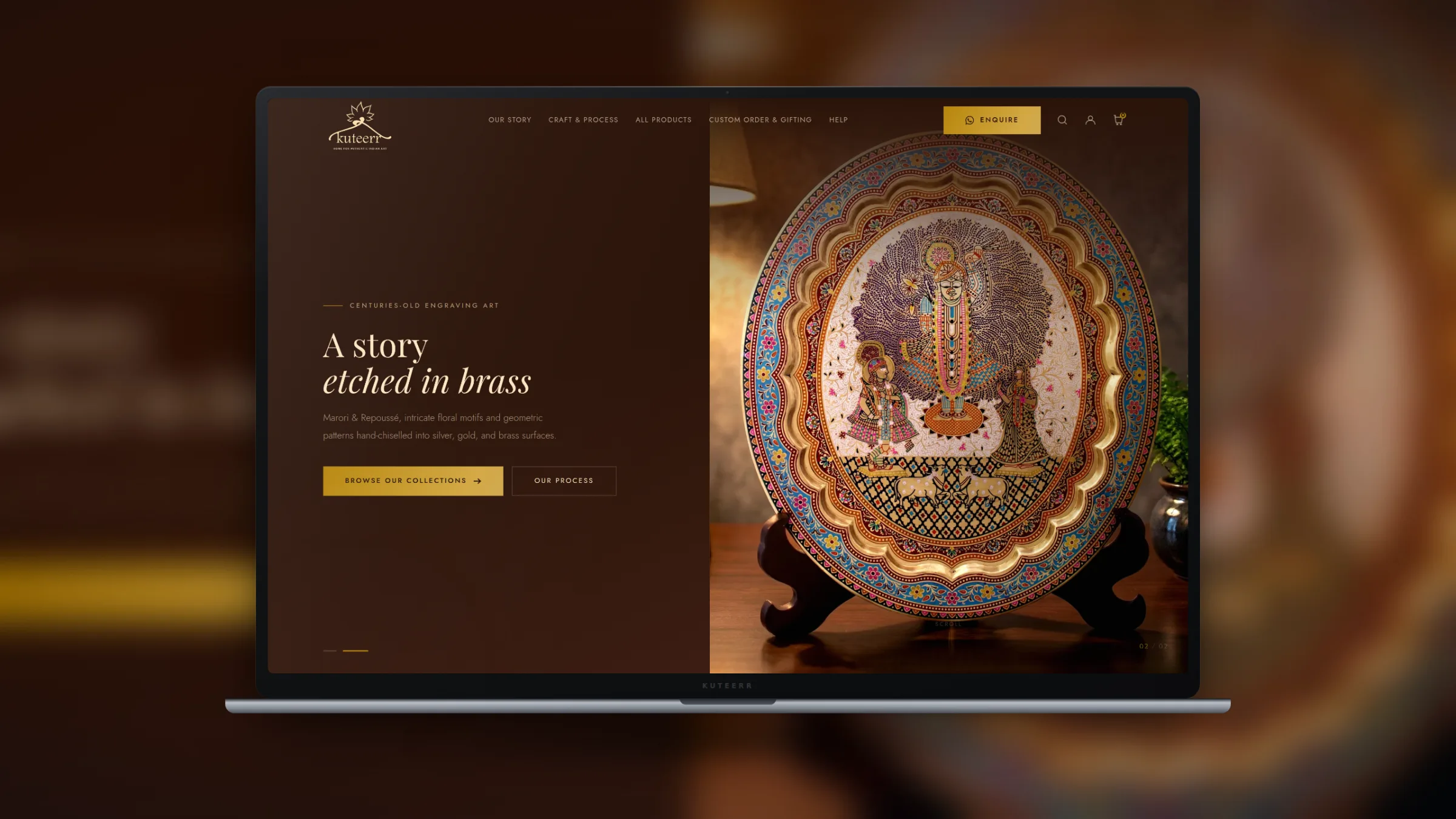
Handicrafts & Decor · Shopify

Fashion & Apparel · Shopify

Fashion & Apparel · Shopify
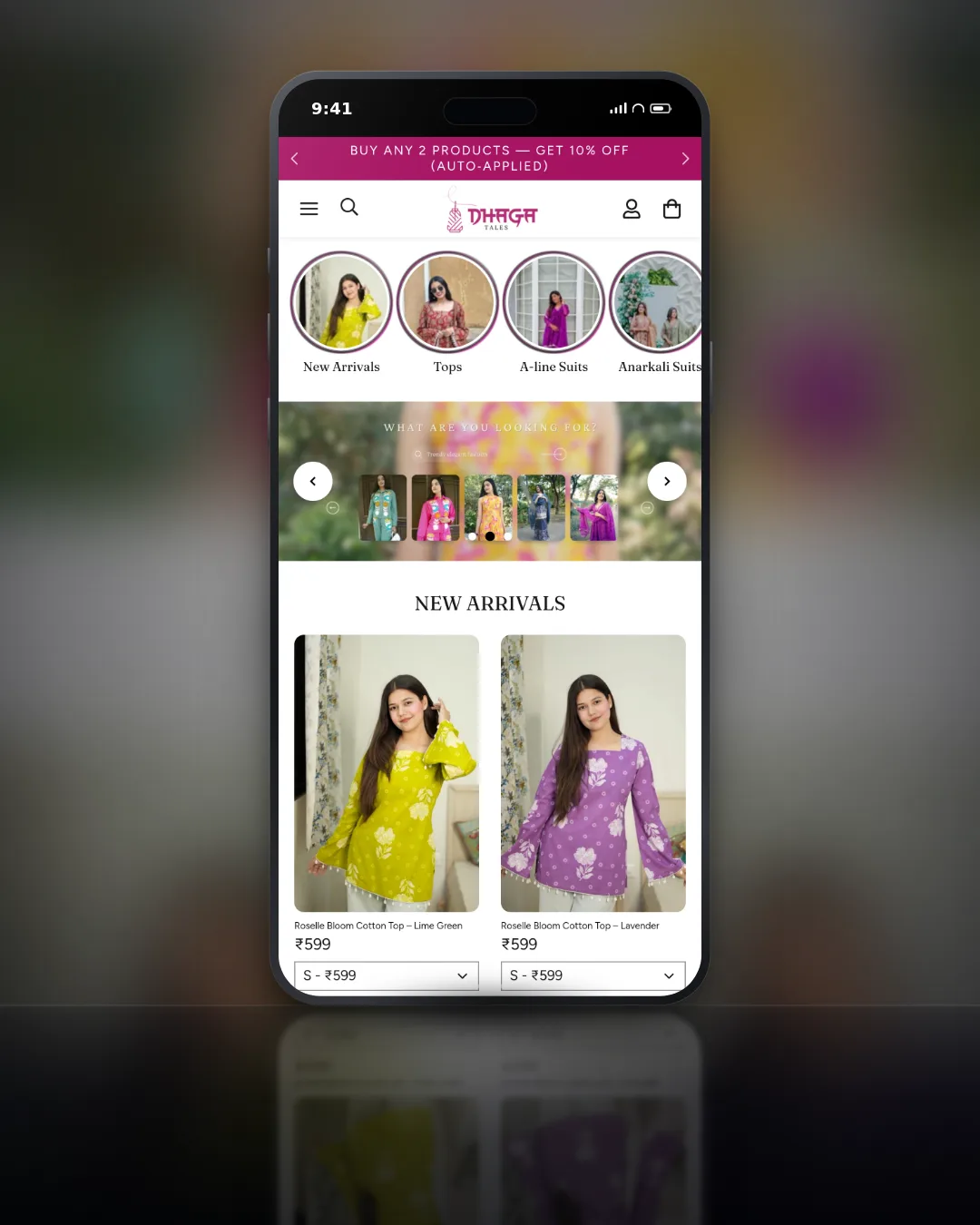
Fashion & Apparel · Shopify
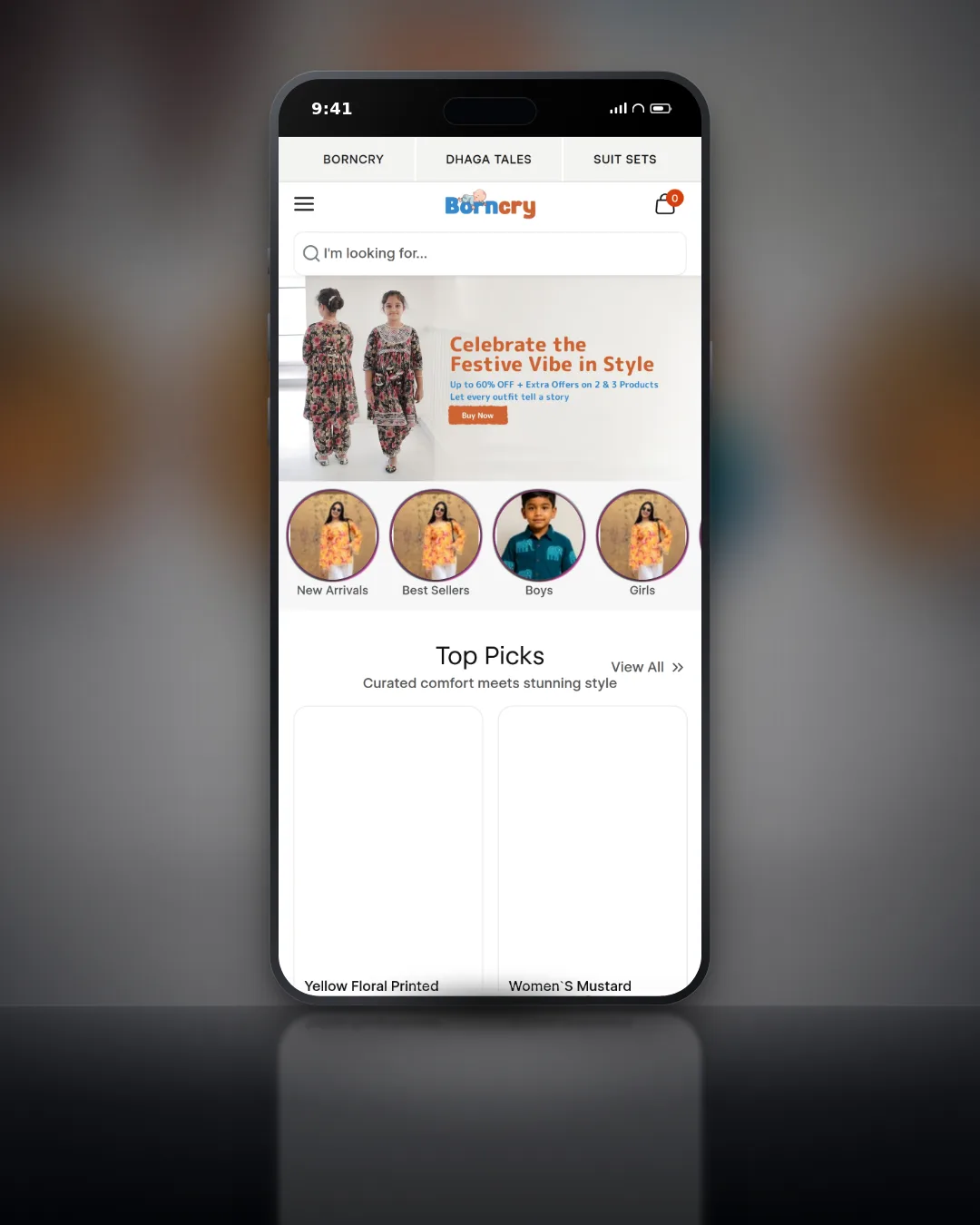
Fashion & Apparel · Shopify

Fashion & Apparel · Shopify
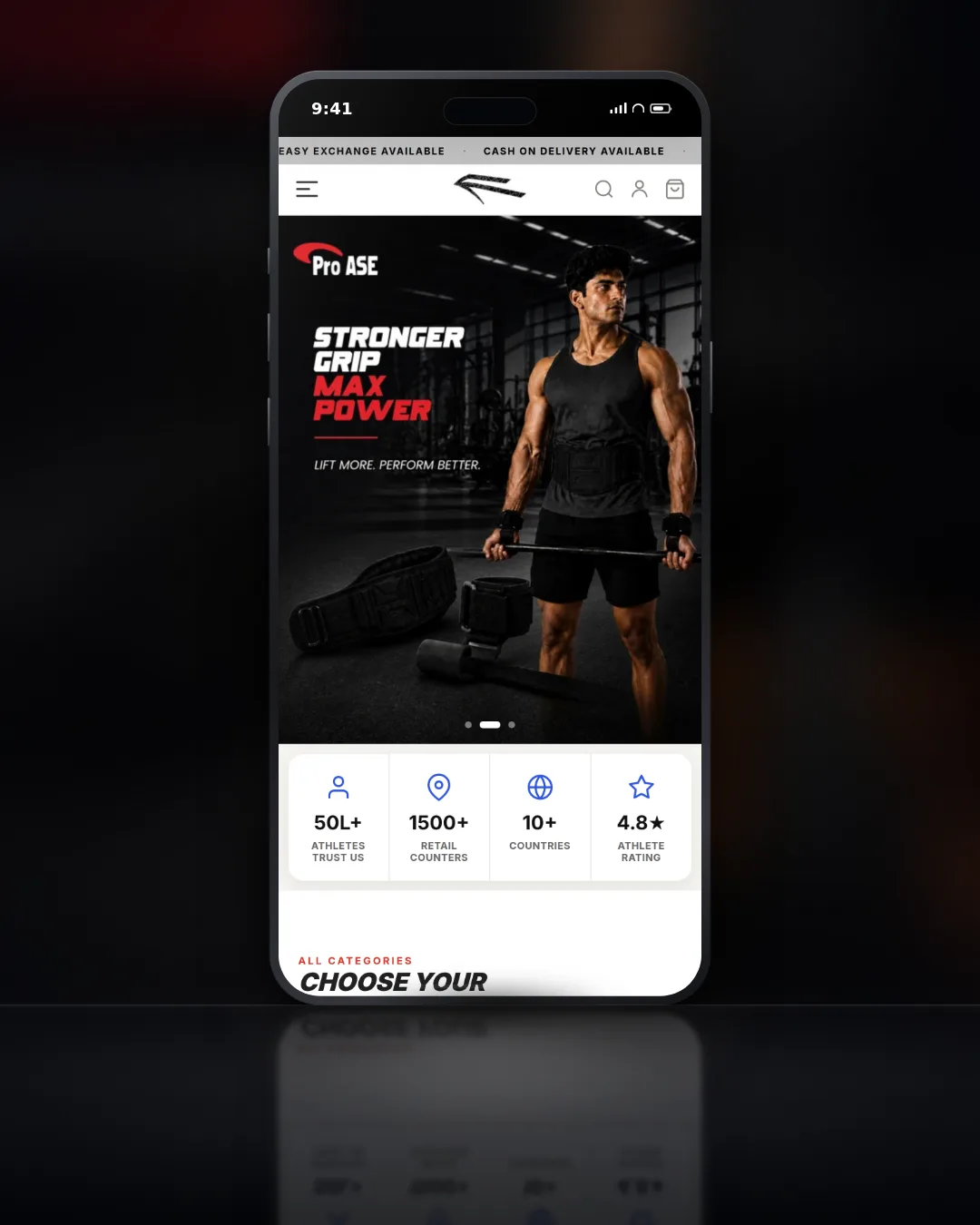
Sports Retail · Shopify 2.0
+38% conversion rate
See every case study
Shopify, WordPress and custom builds, with the brief, the work and the result.
View all workPricing
Every engagement starts with an audit of what you already have. The setup is quoted at a fixed price inside this range once we have seen it.
Analytics + CAPI setup
GA4 eCommerce events, Meta Pixel, Conversions API (server-side) and a Looker Studio dashboard, verified before handover.
₹18,000 to ₹40,000
1 to 2 weeks
Analytics retainer
An ongoing measurement partner after the setup.
Monthly retainer, quoted after the setup
Every engagement starts with an audit of the tracking you already have.
Need deeper reporting?
Blended ROAS, channel CAC and LTV cohorts are part of our Data Analytics engagement, built on the same tracking.
Find out what your tracking is missing
We review your GA4, Pixel, Conversions API and tags, and show you where the numbers stop agreeing.
FAQ
Ask anything about your own setup in the form below and you will get a straight answer.
Each tool counts differently. Meta credits purchases to ads using its own attribution window, GA4 uses its own model, and Shopify records every order whether or not anything was tracked. Some gap is normal. A large gap usually means missing events, duplicate purchases or events without value and currency, which is what the audit looks for first.
The Conversions API sends events to Meta from a server instead of only from the visitor's browser. Browsers increasingly block or limit tracking, so server events help Meta see purchases it would otherwise miss. Set up together with the Pixel and a shared event ID, Meta keeps one copy of each purchase rather than two.
The analytics and Conversions API setup is a fixed-price engagement of ₹18,000 to ₹40,000 and usually takes one to two weeks. It covers GA4 eCommerce events, the Meta Pixel, the Conversions API, a Looker Studio dashboard and verification. Where it lands in that range depends on your platform and what already exists.
Shopify, WordPress and WooCommerce, and custom applications in Laravel and CodeIgniter. On Shopify we use its customer events so tracking survives theme changes. On custom applications we send events from the server where it makes sense, for example a purchase confirmed by the payment gateway.
Yes, once we have confirmed what they do. Old agency tags, duplicate tracking plugins and abandoned containers are a common reason for double counting and slow pages. Nothing is removed without a note of what it was, so it can be restored if something turns out to depend on it.
Where your visitors need to give consent, we connect the tracking to your consent banner so tags respect the choice, and set up Google Consent Mode for Google tags. Google expects consent mode for visitors from the European Economic Area and the UK. We set it up; the legal wording of your policy is for you or your adviser.
We cannot promise a figure. What clean tracking does is let Meta and Google optimise towards real purchases with the right values, and let you judge campaigns on numbers that agree with your Shopify admin. Many accounts change once the platform starts learning from complete, correct data, but that depends on your account.
Yes. The setup includes a Looker Studio dashboard with spend, revenue and orders on one page. For deeper reporting, such as blended ROAS, channel CAC and LTV cohorts, see our Data Analytics engagement, which builds on the same tracking.
You do. Everything is set up in your own GA4 property, Tag Manager container, Meta Business account and Clarity project, with you as the owner and us added as users. If we stop working together, you remove our access and every account keeps running exactly as it is.
The map pack is ranked on three things Google names publicly, and only two of them are yours to change. Here is what that means in practice for a Jaipur business, and which of the usual local SEO advice is a waste of your time.
Most of the risk in a WooCommerce to Shopify move is not the product data. It is the URL map, the things that were plugins and now have to be rebuilt, and in India the payment gateway, which does not come across at all.

Shopify handles a lot of technical SEO for you and leaves a specific set of problems it cannot fix. Here is which pages to fight for, the duplicate URL trap every store has, and what to do about supplier product copy.
Tracking audit
Tell us where your site runs and which ad platforms you use. We reply within one business day.
Tracking audit
What is missing, duplicated or wrong, written down.
Built in your accounts
GA4, Tag Manager, Pixel, Conversions API and Clarity.
Every event verified
Checked in Events Manager, DebugView and Tag Assistant.
Your platform, the tools you use today and the numbers that do not add up.